





Rack Fans
Break up hot spots
In an enclosed rack, hot air can get trapped in empty spaces and can have a direct impact on the thermal performance of your servers and other equipment. Fans help break up the hot spots and avoid throttling.
Common Fan Questions
▼ Will a fan make my equipment run faster?
No, not directly. However many processors will limit their performance if they detect overheating. If you have a hot-spot in your rack it could cause a processor to overheat. If you have a hot spot, you will notice decreased performance. You can also identify hot spots by observing your rack with an infrared thermometer.
▼ Where do you plug in a rackmount fan?
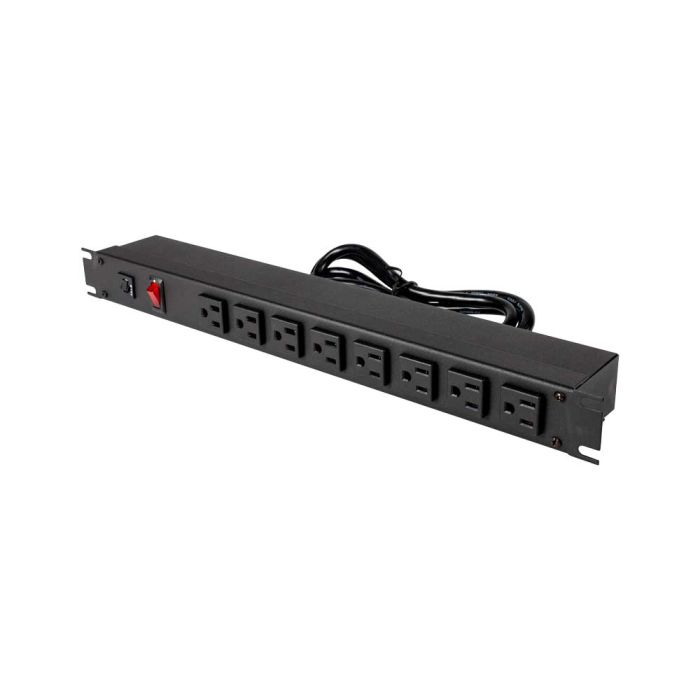
Rack mount power strips make it easy to aggregate all of the power cables in your rack. These can attach to either the front or back of your server rack and allow for a convenient place to plug in fans and other equipment.
▼ Which fan is right for my situation?
When it comes to server rack fans, there are lots of different options depending on how much U space you have available. Horizontal rack fans take up more vertical space than rack fantrays. Both types of fans are effective at moving air around your rack.