





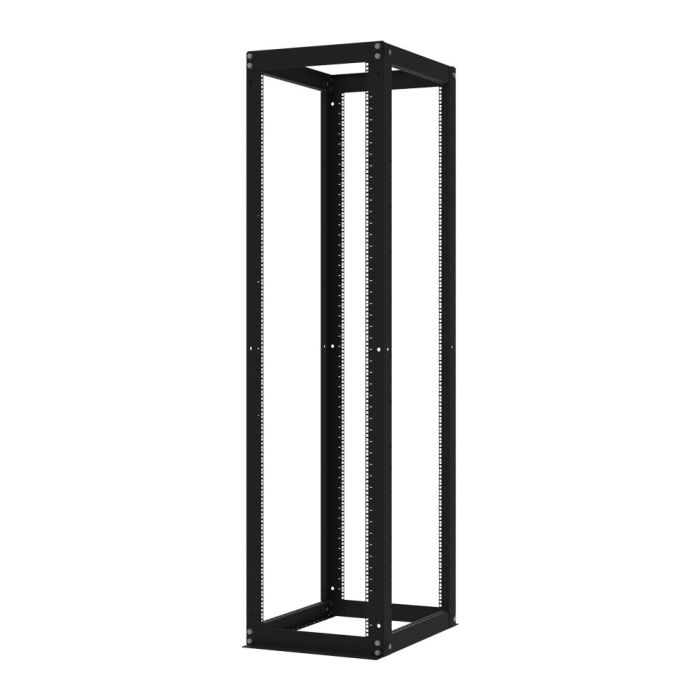
 Open Frame
Server Racks & Cabinets
Find the Right Server Rack for Your Setup
For over 20 years, RackSolutions has designed and manufactured high-quality server racks and cabinets for a wide range of IT environments. Whether you need a single rack for a home setup or thousands for a large-scale data center deployment, we offer reliable rack solutions built to support your equipment and installation needs.
Common Server Racks and Cabinets Questions
▼ How much U space do I need?
The amount of U space you need will depend on the rack-mounted equipment you plan to install. One rack unit (1U) equals 1.75” of vertical space. Start by adding up the U height of all the equipment you plan to install in your rack, and consider leaving room for future additions. If your rack has unused space, our blanking panels can help manage and contain airflow. We offer server racks ranging from 1U to 90U, with options for home, office, and data center environments.
▼ How much depth does my rack need?
Start by checking the depth of the equipment you plan to install and consider any hardware you may add in the future. Our racks range from 0" to 50" deep, with the average rack depth measuring around 36". Be sure to also check that your rails, shelves, and other mounting hardware are compatible with your rack’s depth.
▼What internal and external rack width do I need?
Internal width refers to the space available for mounting your equipment, with 19” and 23” options available for different equipment requirements. External width refers to the rack’s overall width and determines how much floor space it will occupy. Some racks can extend up to 32” wide to provide additional room for cable management, power equipment, and other accessories. When choosing a rack, check your equipment requirements for the internal width and your available floor space for the external width.
▼ How can I find the weight capacity of a rack?
You can find the static load capacity for each of our racks on its product page. Add up the weight of the equipment you plan to install to determine the load capacity you need, and consider choosing a rack with additional capacity for future equipment. If you plan to move the rack while loaded, its weight capacity may be lower while in motion. Leaving room for future weight requirements can also give you more flexibility over time.
▼ What are 2-Post racks used for?
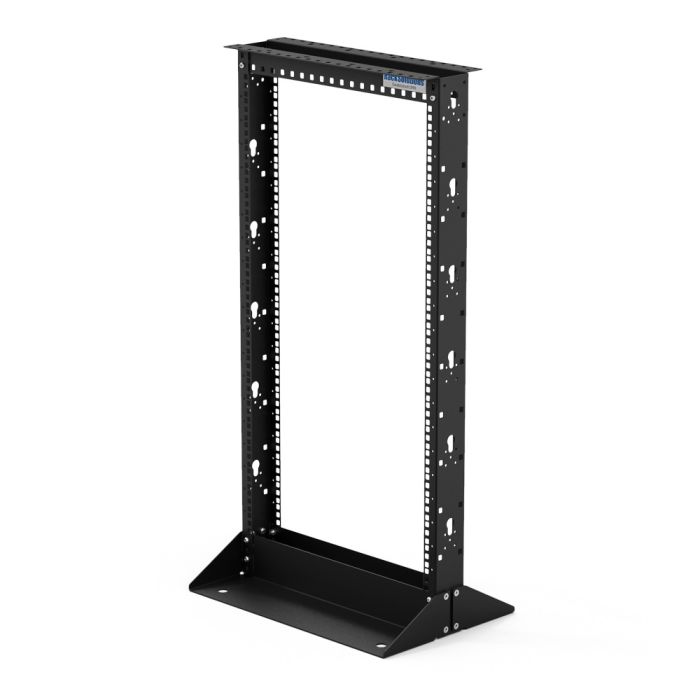
2-post racks, also known as telco or relay racks, are commonly used for lightweight equipment such as routers, switches, controllers, thin servers, and other networking hardware. They can also support shelves for non-rack-mountable equipment and compatible servers when used with the appropriate mounting hardware. Additionally, we offer adapters and hybrid rails to help mount servers in 2-post racks.
▼ What are 4-Post racks used for?
4-post racks are commonly used for full-size servers and other heavier IT equipment. They offer higher weight capacities and additional mounting stability, with open-frame and enclosed options available depending on your security and installation needs. Our 4-post racks are available in a variety of sizes for office, server room, and data center environments.
▼ What are the benefits of open frame racks?
Open frame server racks allow for easy access to IT equipment and cabling. If you need easy accessibility for maintenance and unobstructed airflow for equipment cooling, then open frame racks are a cost effective option that provides an easy solution to control and monitor rack-mount equipment. Some of the most significant benefits of open frame racks are cost, airflow, accessibility, and cable management.
▼ What are the benefits of enclosed frame racks?
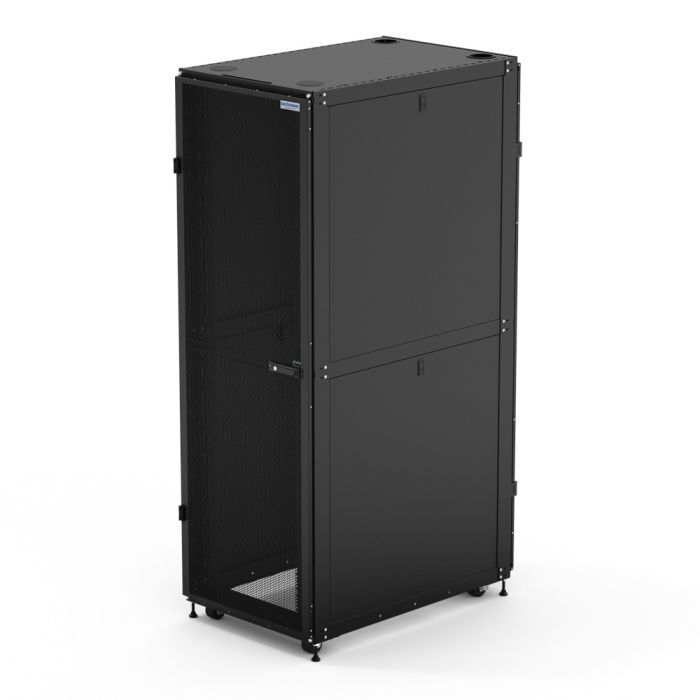
Compared to open frame racks, enclosed frame racks reduce the risk of data loss and prevent rack-mounted equipment from being tampered with. This is crucial if you’re storing equipment that holds valuable information. Rack enclosures are lockable, have front/back openings, and serve as a second level of protection. With an enclosed rack, your network systems and cables are safe inside the enclosure. By securing your equipment, you can reduce the risk of downtime and achieve maximum uptime by keeping a strong barrier between your IT equipment and external damage.